GPTBot vs OAI-SearchBot: Is AI Crawling a Search Signal?
Why you need to tell GPTBot and OAI-SearchBot apart
AI bot crawling may signal a new search channel, but crawl counts aren't visibility. GPTBot vs. OAI-SearchBot, scale vs. Googlebot, and how to track it.
More AI bot crawling may be a leading signal that AI search channels are looking at your site more often. But crawl counts themselves aren't real results like visibility or citations. Just as traditional SEO tracked how often Googlebot visited, it's now time to separately measure which pages AI bots revisit and how often.
A trend seen across many recent log analysis reports is that crawl activity from AI systems, OpenAI's among them, is rising noticeably. It's still small compared with Googlebot's crawl volume, but it has grown large enough to be worth tracking separately. The question is how to read this signal.
Lumping bots together blurs the interpretation
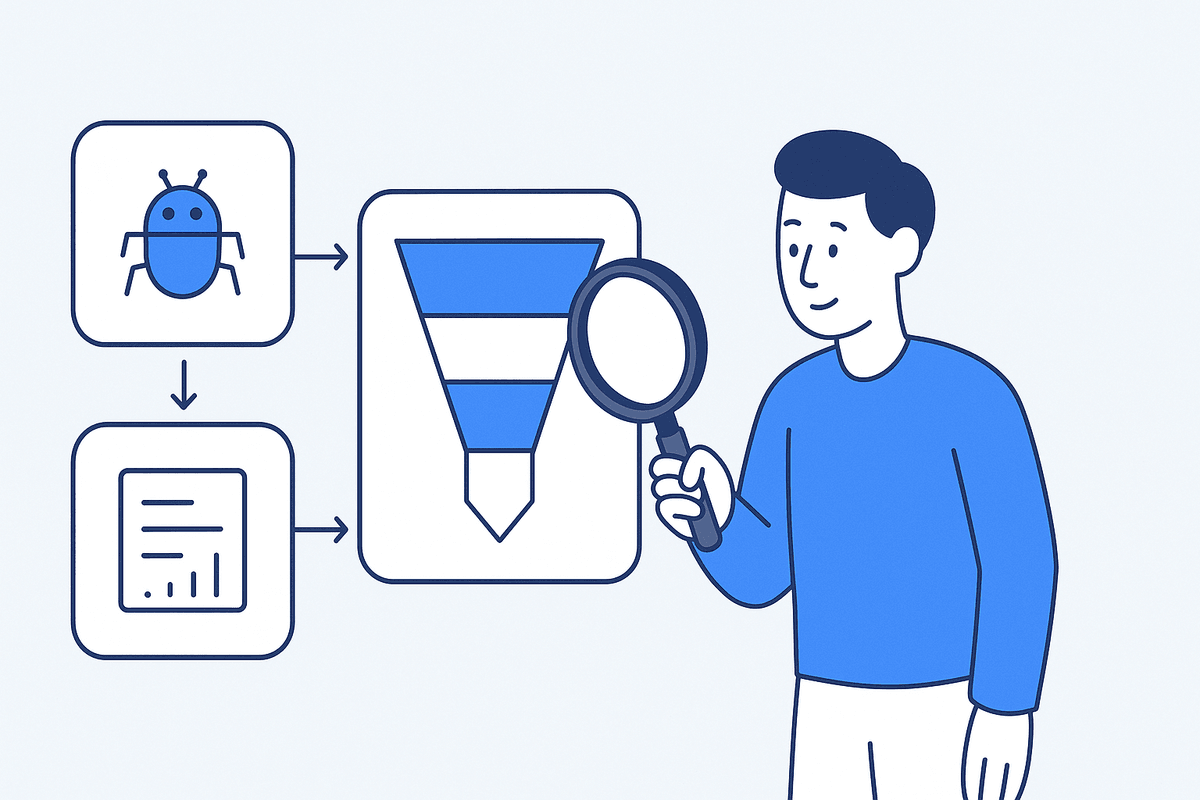
The first thing to do is split bots by purpose. OpenAI runs different crawlers for different uses. GPTBot is closer to collecting content that may be used for model training, while OAI-SearchBot is the crawler that surfaces websites in search results for ChatGPT's search feature[1]. ChatGPT-User is access that happens when a user makes a request directly.
Lump these three together and say "AI bots went up," and you get a sentence that's useless in practice. The response is completely different depending on whether search bots, training bots, or user-initiated access went up.
| Bot | Main role | How to read it in practice |
|---|---|---|
| OAI-SearchBot | Search crawler related to ChatGPT search results | Track first, as a discovery and refresh signal for getting onto the AI search surface |
| GPTBot | Collects content that may be used for model training | May influence long-term knowledge, but don't equate it with current answer visibility |
| ChatGPT-User | Access triggered by user requests | Observe separately as a supporting signal closer to real user questions |
Google has a similar structure. It publicly distinguishes its search indexing crawler from crawlers with other purposes, and separately explains how each crawler follows robots.txt rules[2]. Managing the AI search channel ultimately starts with reading logs with each bot's role kept distinct.
Still small next to Google, but the direction is hard to ignore
At this point, AI bot crawl volume is still small compared with Googlebot. Google has long been the absolute center of web crawling, and that picture is likely to stay largely the same for a while.
The direction, though, is hard to ignore. Many industry observations agree that AI search channels are reading the web faster and more often, and that the volume has grown to the point that it needs to be measured separately. So it's safer to read this as "it's now worth tracking separately" rather than "it's replacing Google right now." The pace may vary by industry. For news and other media where recency matters, AI may lean more on web search than on stored knowledge, while in areas where trust and safety matter, such as healthcare, you need to separate the flows of search, training, and verification more carefully.
How to add AI bot crawl visibility as a metric
In practice, adding AI bot crawling as one new card on a dashboard isn't enough. You should split it into at least four steps.
First, bot identification. Separate bots by user agent, such as OAI-SearchBot, GPTBot, and ChatGPT-User. Trusting the name alone can let spoofing and noise in, so verify IPs as well where possible.
Second, purpose classification. Split search, training, and user-initiated access so that instead of "AI bots went up," you get a usable sentence like "AI search bots are looking at product pages more often."
Third, group by URL and content type. Look at home, pricing, features, comparison, FAQ, blog, case study, and documentation pages separately. The pages most likely to be cited in AI search are usually ones that answer the question directly and make their evidence and structure clear.
Fourth, connect to lagging metrics. Only by looking at prompt visibility, citations in AI answers, referral traffic, and conversions together can you tell whether crawling leads to real results.
| Metric layer | Example metrics | Question it answers | Caveat |
|---|---|---|---|
| Crawl visibility | Requests per AI bot, number of URLs, revisit interval | Are AI systems looking at our site? | Looking only at totals makes it easy to mistake crawling for visibility |
| Prompt visibility | Share of core prompt clusters where the brand is mentioned | Do we appear for questions users are likely to ask? | Need to manage prompt sampling bias |
| Citation visibility | Share of answers that actually cite our URL or brand | Which pages are used as evidence? | Separate unlinked mentions from source citations |
| Traffic visibility | AI referrals, direct traffic, assisted sessions | Are people actually coming in? | Account for missing tracking parameters |
| Conversion visibility | Sign-ups, inquiries, demo requests | Does it lead to business results? | Don't over-interpret small samples |
Which warning lights should you watch alongside it?
Adding AI bot crawl visibility doesn't only show you good signals. If anything, it helps you spot problems sooner.
If search bots come in often but core product pages are barely requested, your site structure or internal links may be weak from an AI search perspective. If only the blog is requested heavily and pricing, feature, and comparison pages are missing, revisit the paths that lead to your bottom-of-funnel conversion assets.
Conversely, if GPTBot comes in often but OAI-SearchBot barely shows up, you may be included in long-term training data, but your chances of being visible on the ChatGPT search surface right now may be limited. In that case, check robots.txt, sitemaps, canonicals, and the accessibility of key pages together.
Another warning light is "crawling went up but prompt visibility stayed flat." The pages are being discovered, but they may not be structured well enough to use in answers, or their trust evidence may be weak compared with competing content. Use content structure, FAQs, comparison tables, sources, author information, and recency updates together as your checklist.
Working checklist
If you're adding AI bot crawl visibility to your reports, start in this order.
- Split OAI-SearchBot, GPTBot, and ChatGPT-User into separate metrics.
- Organize bots beyond OpenAI, such as Perplexity, Anthropic, and Google AI-related bots, in the same framework.
- Rather than requests per bot alone, look at URL groups, revisit intervals, HTTP status, and canonical status together.
- Regularly measure brand visibility and URL citations across your core prompt clusters.
- Check whether rising crawls move together with traffic and conversions, but don't conclude causation.
- Review your robots.txt policy alongside log changes.
- After content changes, record the order in which crawling, prompt visibility, and citations change.
Seen this way, AI bot crawling stops being just server logs and becomes an early signal for AI search operations. Crawling is the front of the journey, followed by prompt visibility, answer citations, and then traffic and conversions. If you want to check everything at once, from whether AI bots are reading your site to whether your brand appears in real prompts and which URLs get cited in answers, you can audit the front end of your AI search visibility with TRAIL Search.
For related reading, see Reading AI crawler logs: do lots of GPTBot visits mean more visibility?, Naver AI Briefing didn't end SEO: how Korean GEO differs from Google GEO, and What is AI Briefing citation count? Whether it's a Naver ranking factor and how to put it in reports.
Frequently asked questions
If AI bot crawling goes up, does AI search visibility go up too?
Not necessarily. Crawling is only a leading signal that AI is discovering your site and coming back to it. Whether crawled pages actually get cited in prompt answers has to be checked separately. If crawling rose but citations stayed flat, that's a signal to revisit your content structure or trust evidence.
Should I allow every AI bot?
It's safer to decide based on each bot's purpose. If you block a search bot, you may not be discovered at all on that AI search surface. Whether to allow training crawlers, on the other hand, can depend on your content policy and brand judgment.
What tools can I use to check AI bot crawling?
You can filter user agents directly in your server logs, or check some of it in Search Console's Crawl Stats report. If you want to see AI bot crawling alongside prompt visibility, citation, and traffic metrics, you can also use a GEO diagnosis tool like TRAIL Search.
References
Summary
- OpenAI's GPTBot (training), OAI-SearchBot (ChatGPT search), and ChatGPT-User (user-initiated requests) have different roles, so don't lump them together when interpreting logs.
- AI bot crawling can be a leading signal for the AI search channel, but crawl counts themselves don't mean visibility or citation results.
- If crawling rose but prompt visibility stayed flat, it may be a warning light that your content structure or trust evidence is weak.
- In practice, treat AI bot crawl visibility as the front end of a metric chain that runs through prompt visibility, answer citations, traffic, and conversions.
Check this topic against your own brand
TRAIL Search measures how ChatGPT and Perplexity answer your customers' questions and finds and fixes where the brand is missing, turning this post into a diagnosis. Start with 10 questions, no card required.
More posts
How ChatGPT search works: the language changed in 4 days
ChatGPT moved its search calls from JSON to a pipe format: five call types, freshness windows, and why AI visibility tracking must keep running.
The LLM wiki and Open Knowledge Format for agent knowledge
Karpathy's LLM wiki and Google's Open Knowledge Format, read from the originals: a format for agent knowledge bases, the RAG difference, and v0.2 trust fields.
What is different about Gemini 4 Argon? Verification
What is different about Gemini 4 Argon compared with earlier models? We check the 1M-token output limit and use cases plus the criteria for verifying AI output.
Keep reading on this topic
- Why Reddit search grew again: AI cites community signalsAI answers favor real community reviews, comparisons, and complaints over official feature lists. How brands can use community signals, by industry.
- Naver AI Briefing Didn't End SEO: Korean GEO vs Google GEOSEO basics still matter in the Naver AI Briefing era. What Naver Mate is, Naver's content quality bar, and how to get cited as a source in AI Briefing.
- Naver AI Tab's Next KPIs: Sourcing and the Path to ActionAfter Naver AI Tab, GEO must measure the path from AI answers to bookings, purchases, and inquiries, not just citation rate. Sourcing vs. actionability.
This post is part of the Trend category, which collects all 14 posts on the topic. See all posts in Trend