The agreement that lets your AI use your tools directly
What's MCP?
In the last post, we compared an API to a server at a restaurant. When we tap a button, the server (the API) takes the order and brings back the result. The star of this post is MCP. In one sentence: MCP is an agreement that lets an AI use the tools of many services through one common method.
Like a universal travel adapter
When you travel abroad, outlets are shaped differently in every country, so you need an adapter. But with one universal adapter, you can just plug in anywhere.
Every service's API (its server) looks a little different. From an AI's point of view, that meant learning a different way for every single service. MCP is the universal adapter that sits in between. Honor the common agreement called MCP, and an AI can use any service the same way.
Another way to put it: it's like handing your AI assistant a keycard and a job manual for your office. The keycard lets it into the tools it needs; the manual tells it what it can do. MCP is that keycard and manual, defined in a standard format.
What actually changes
Until now, using AI usually went like this. You'd get text or an idea from the AI, then copy it and paste it into another tool. The AI did the talking; a person did the doing.
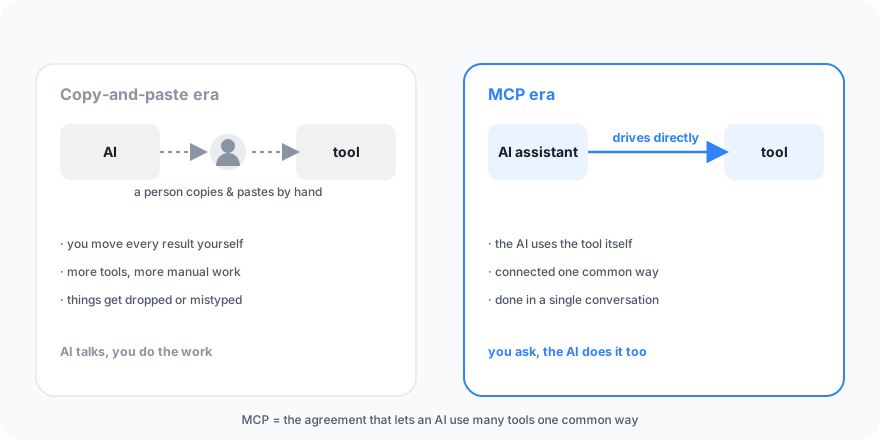
That's the part MCP changes. Now the AI drives the tool directly. We're moving from an era of carrying results around by copy-and-paste to an era where the AI operates the tools itself. Worth noting: MCP is an open standard published by Anthropic (an agreement anyone is free to use), so it's supported not only by Claude but by other AIs like ChatGPT and Grok.
When you connect Trail Studio to an AI
This is something Trail Studio actually does today. Connect Trail Studio to an AI like Claude, and you can create content through conversation alone.
For example, you tell Claude:
> "Make six cardnews slides on this topic."
And Claude uses Trail Studio's tools directly to start the generation, check on its progress, and bring back a link to the result when it's done. The four steps from the last post (request → start generating → check progress → receive the result) are now handled by an AI instead of a person.
And it's not just cardnews. Once connected, a whole set of tools opens up for the AI to use.
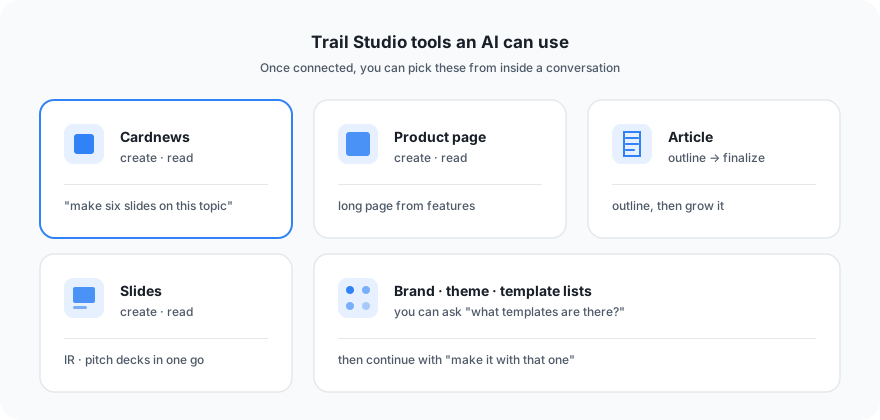
The tools include creating and reading cardnews, creating and reading product pages, outlining and finalizing articles, and creating and reading slides — and you can also pull lists of brands, themes, and templates. Right inside the conversation you can ask "what templates are there?", pick one, and keep going with "make it with that one."
How to start — three steps
No need to be intimidated. Three steps, no coding.
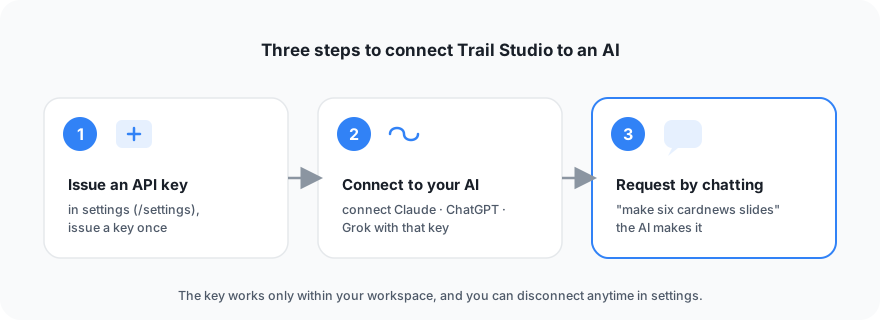
- Issue an API key — In Trail Studio settings (
/settings), issue an API key once. The key is shown only once when you issue it. So jot it down somewhere safe. - Connect to your AI — Use the key to connect Trail Studio to Claude (or ChatGPT, or Grok).
- Request through conversation — Now you just talk. Like "make cardnews on this topic."
Once connected, the command you use in conversation is as simple as this.
make six cardnews slides on this topicWhat you can rest easy about
When you hear "connect," you might worry: "is my whole account exposed?" It isn't.
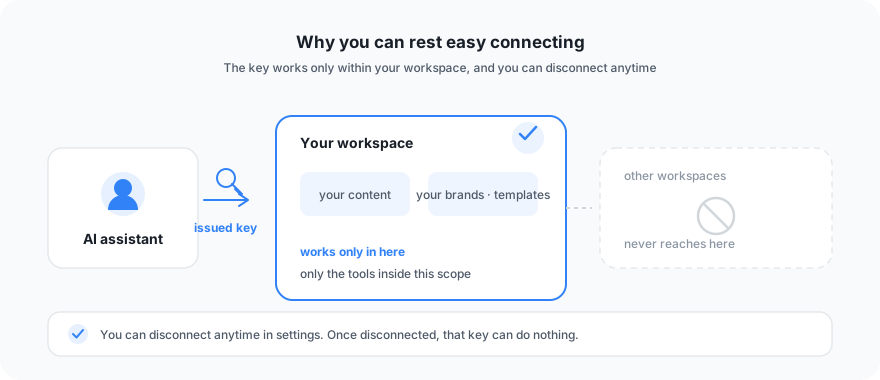
- The key you issue works only within the scope of your workspace. It's never used for anything outside your own workspace.
- If you stop using it, you can disconnect anytime in settings. Once disconnected, that key can do nothing.
It's a way to cut out one step of the copy-and-paste hassle. Issue a key once in Trail Studio settings, and let an AI handle your content directly.
> Content generation runs on credits. Try Trail Studio right now.
More posts
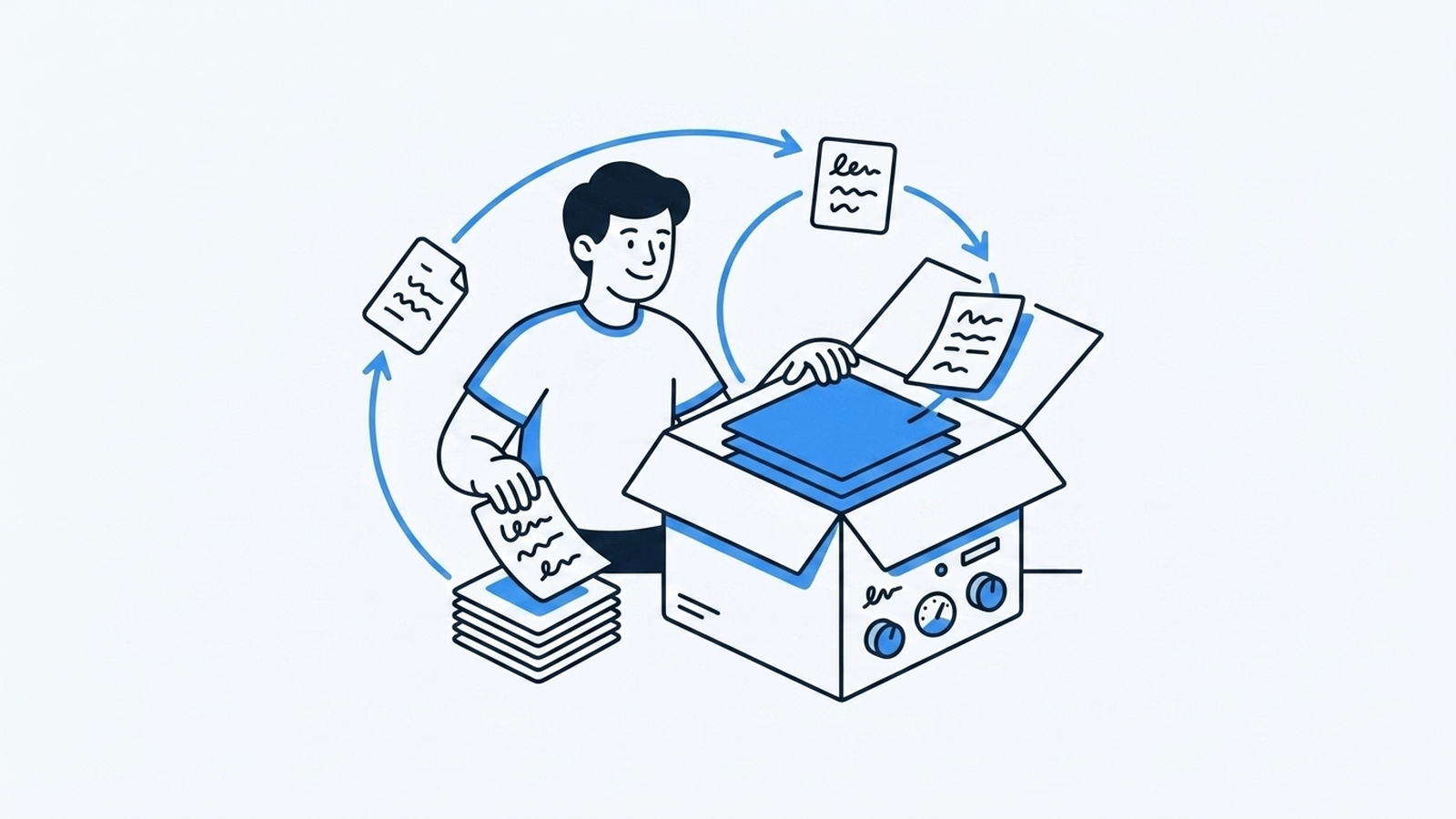
Open Models — Owning the Model Layer Itself
The final stage of the evolution — own the model instead of renting it. Nous Research Hermes (4.3, open weights), the Hermes function-calling standard, and the data flywheel a harness produces to tune a domain model — with code.
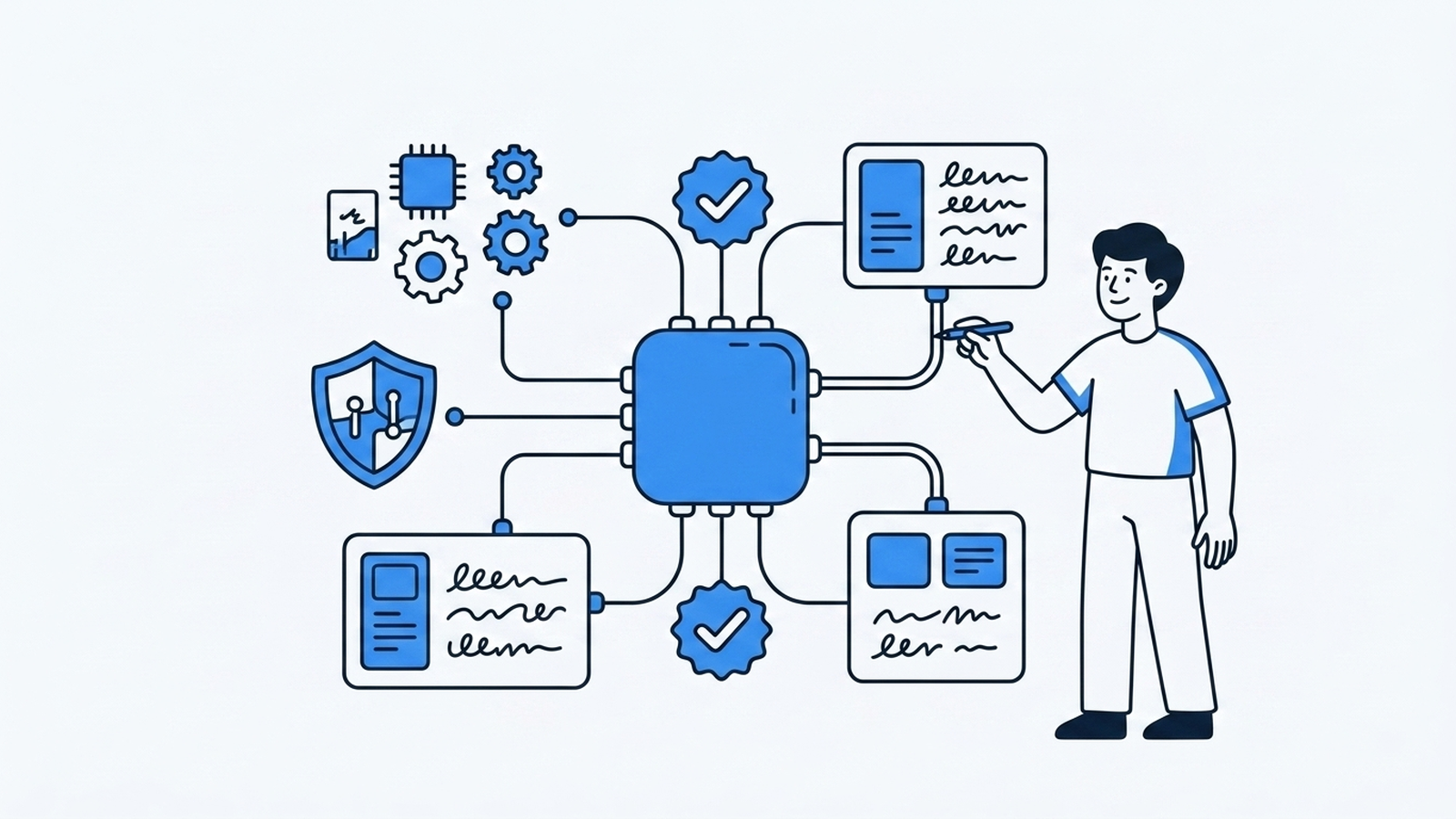
Harness Engineering — What Makes the Same Model Behave Differently
Running agents safely and consistently is about the harness around the model — scoped tools, hooks, context layering, verification loops, executable knowledge. The MCP server we built (self-call = SSOT) and hook patterns, in code.
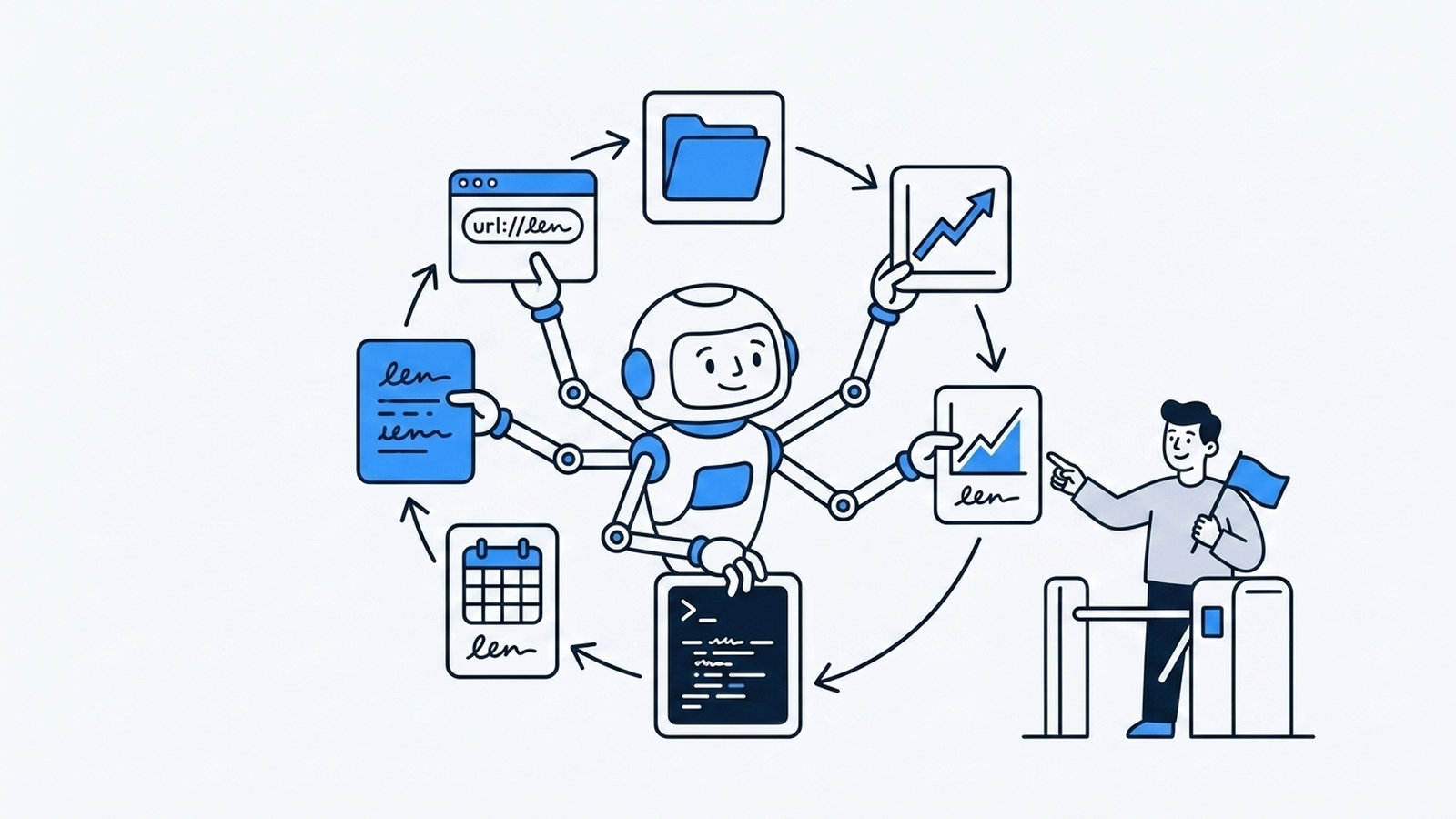
Agents — When the Model Started Running the Loop
OpenClaw (formerly Moltbot) put autonomous agents in the spotlight — the model uses tools, observes results, and runs the loop itself. The perceive→plan→act→observe loop, and the permission/HITL problem broad autonomy brings — with code.